


Dispatch calls and locate teams
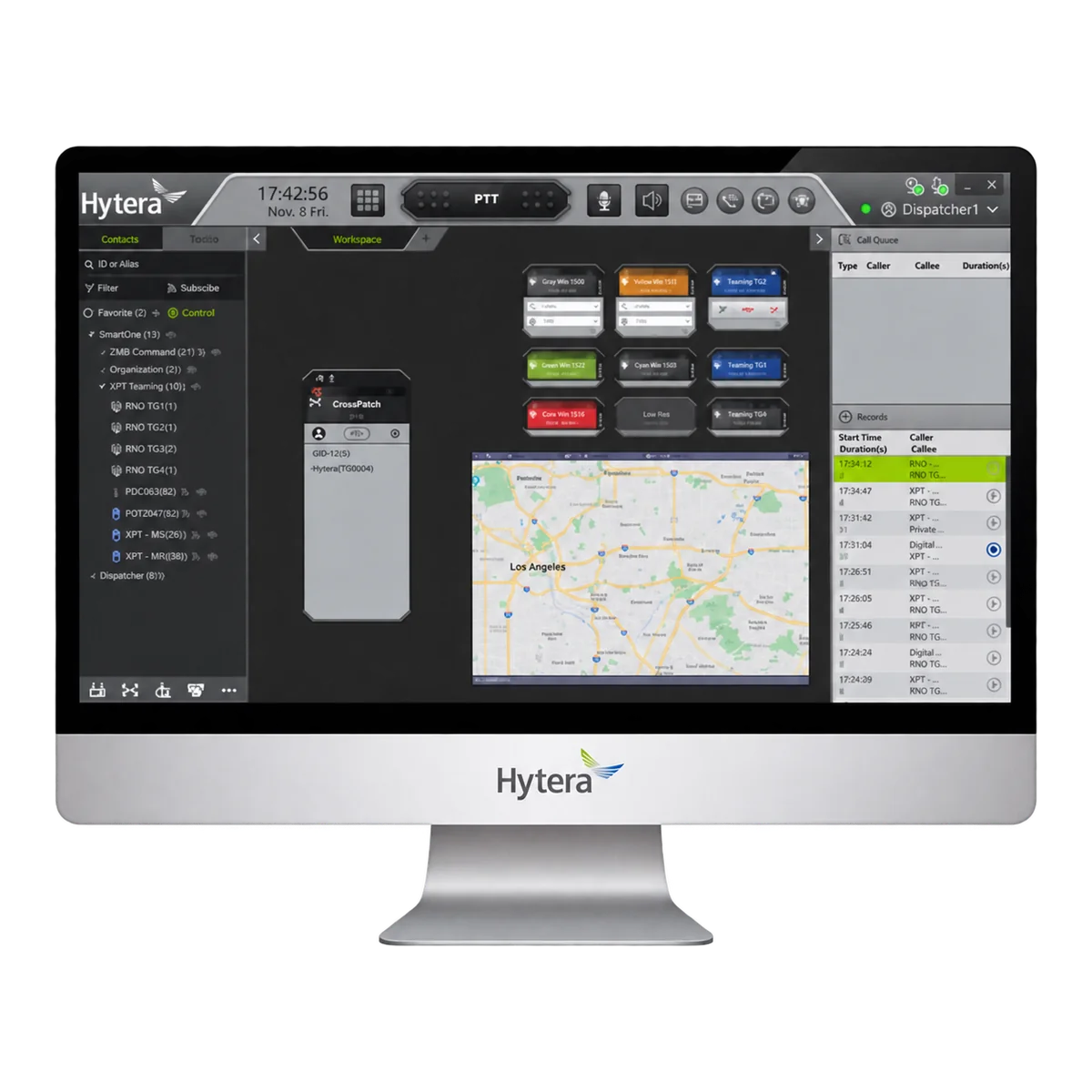
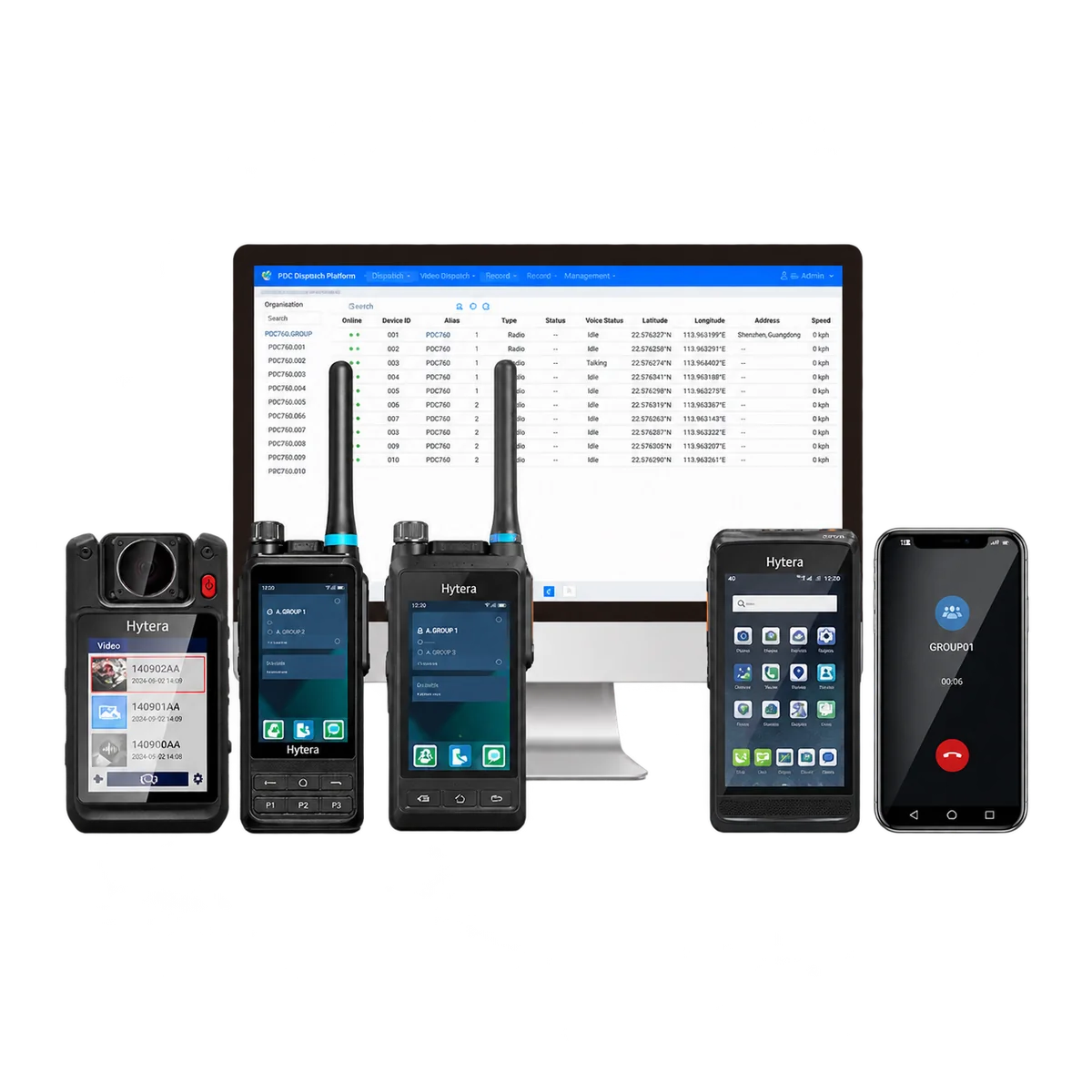
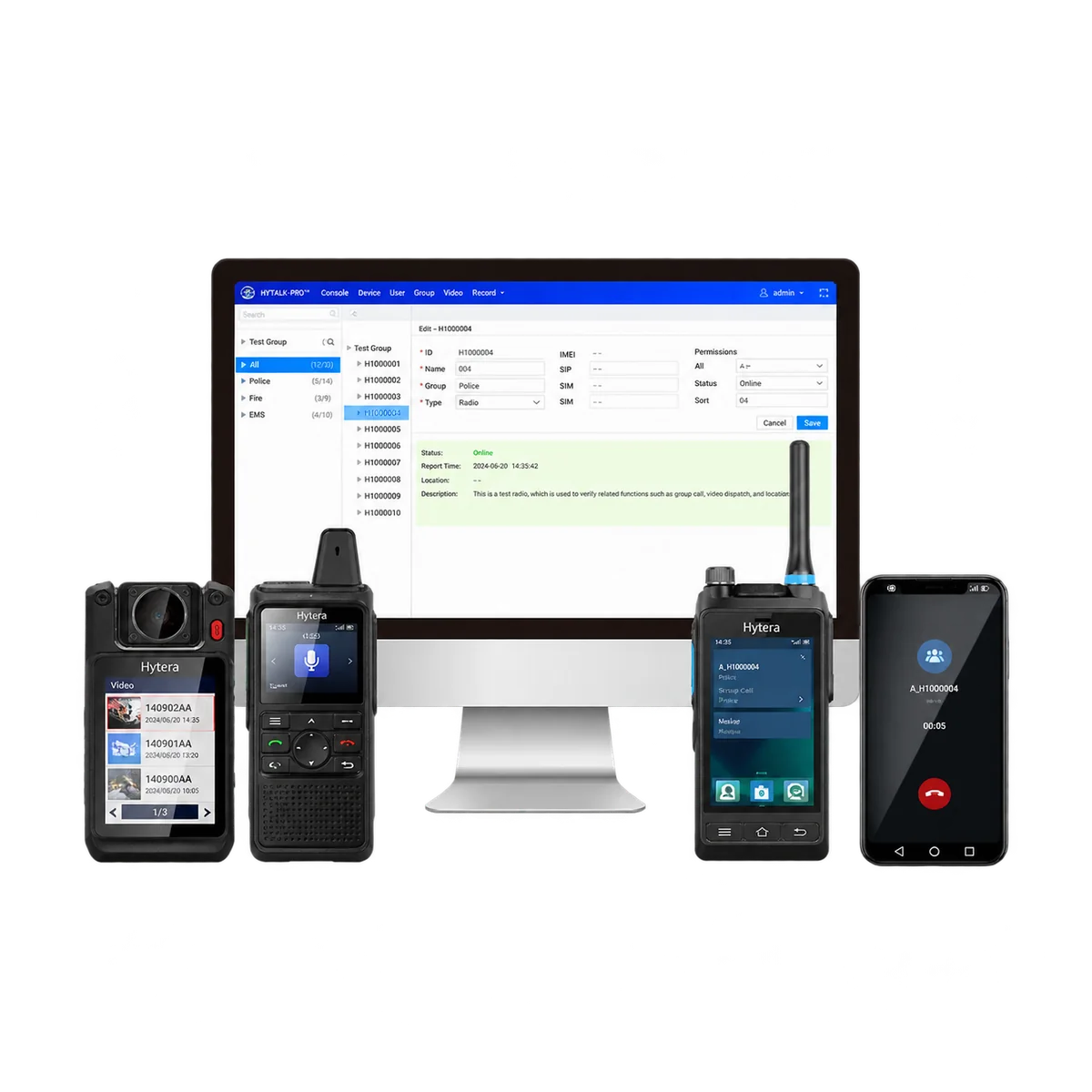
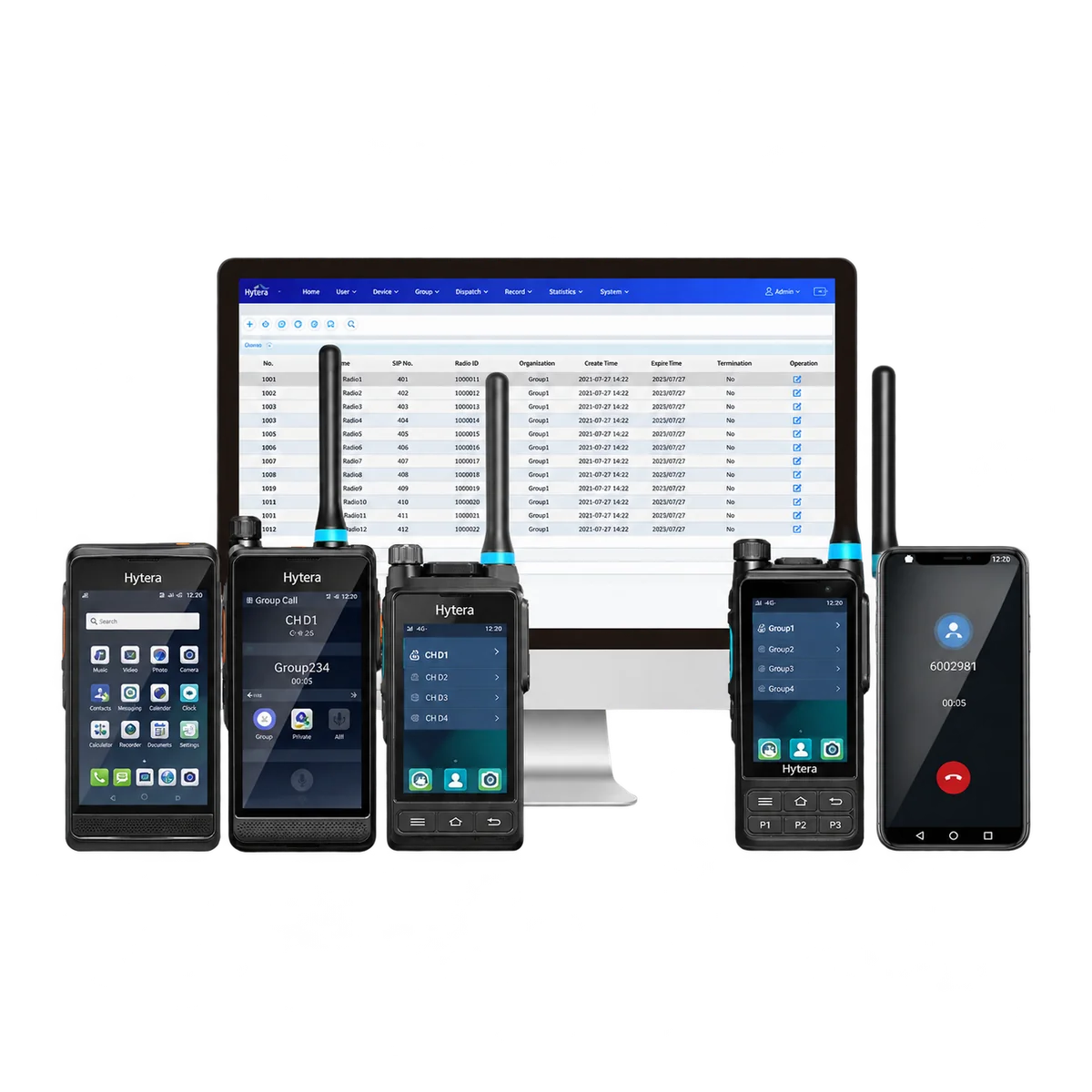
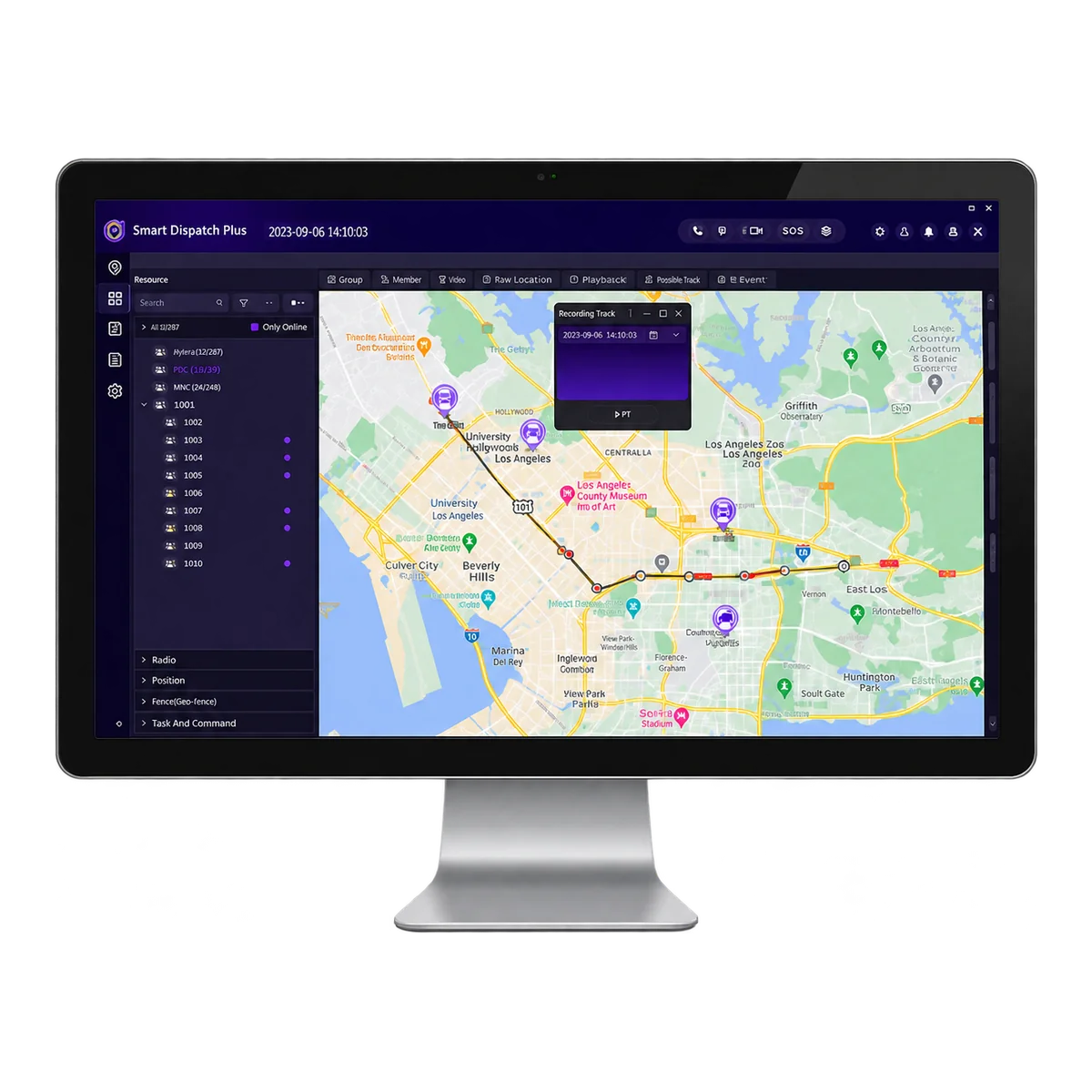
Hytera Smart Dispatch Plus brings radio calls, team locations and messages into one dispatch interface. Designed for conventional Digital Mobile Radio (DMR) networks, it helps control-room staff coordinate daily work and respond to emergency alerts.
Coordinate radio users
Contact an individual radio, speak to a group or make an all call within the configured radio network. Online and offline status helps the dispatcher identify available users.
Calls from the map
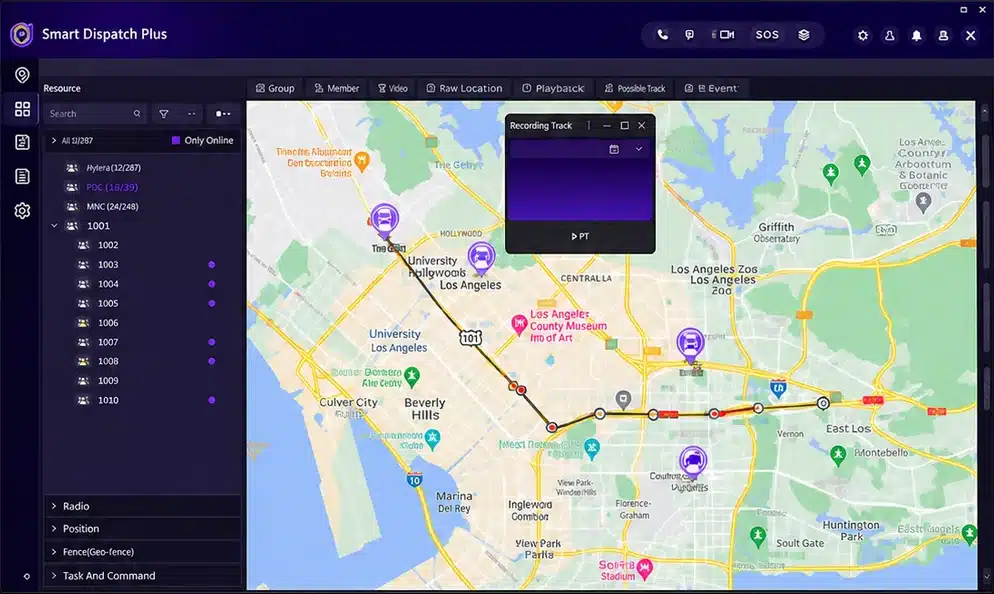
Select a radio on the map and call it directly from the dispatch client. Location and call controls stay together while you coordinate the team.
Messages for daily work
Send and receive text messages, address a group or schedule messages for a later time. Email interconnection is available with the appropriate service configuration.
Communication between dispatchers
Online dispatchers can exchange text messages and make half-duplex calls to one another: one person speaks at a time.
Track movement and handle alerts
View radio locations, follow movement and replay stored routes. Geofences and speed limits help dispatchers identify activity that needs attention.
Locations and route history
View a radio’s position and reported speed, then retrieve its route for a selected period. Positioning requires compatible radios with location enabled, a usable satellite signal and configured location reporting.
Geofencing and speed alerts
Define areas on the map and receive alerts when radios cross their boundaries. Configured upper and lower speed thresholds can trigger alerts when the conditions persist for the specified duration.
Emergency and lone-worker supervision
Receive emergency alerts from configured radios. With lone-worker supervision enabled, the client raises an alarm if no call or message is sent from a radio within the preset interval.
Review communications and manage access
Recordings and reports
Record voice communications initiated, received or monitored by the Smart Dispatch Plus client and save them on the server for search and playback. Query call, message and alarm reports, with export to Excel or HTML.
Permissions and radio control
Assign dispatcher access to functions, work groups and radio resources. Authorised staff can remotely disable or enable supported radios. Manual or scheduled backups support recovery of the database and recordings.
Fit the deployment to the radio network
Smart Dispatch Plus uses a client, server and gateway. Install the modules on one computer for a local deployment, or distribute them across locations connected by an IP network.
Two deployment arrangements
On one computer
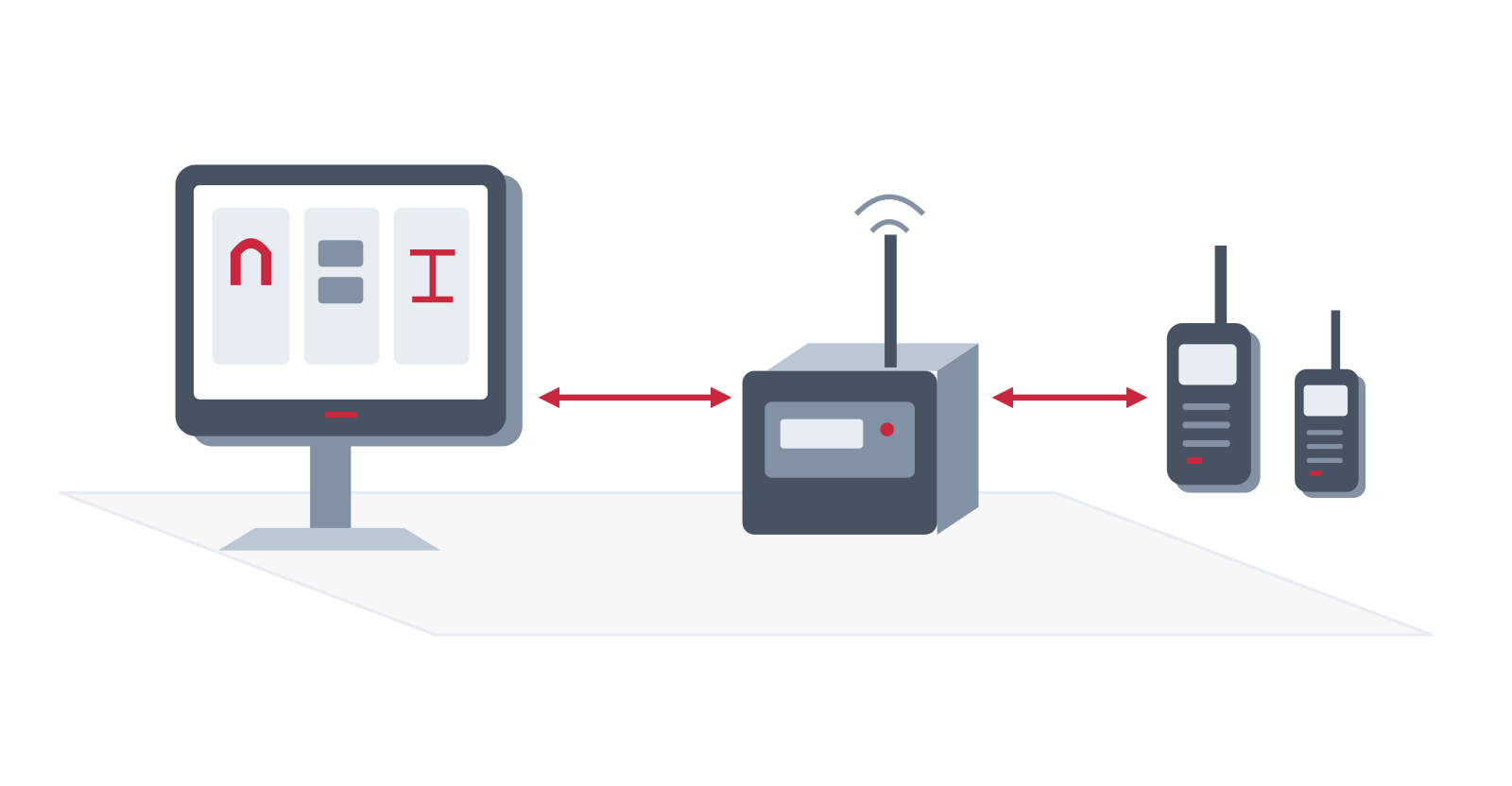
Client, server and gateway
Installed together on one PC
Radio access
Compatible repeater or dispatch mobile radio
Field teams
Compatible DMR radios
Across locations
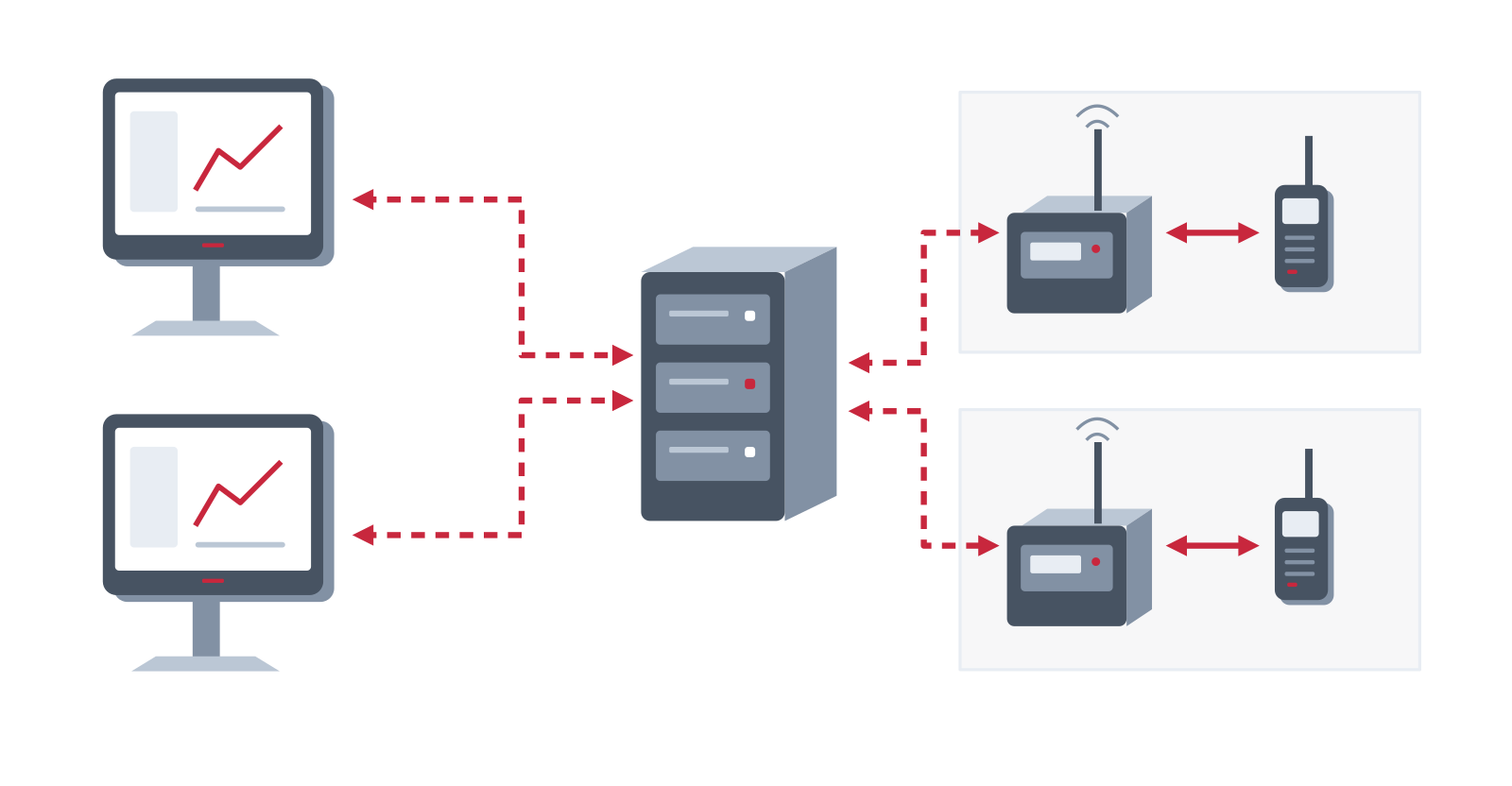
Dispatch clients
Connected to the server over an IP network
Server and gateways
Modules can be installed at separate locations
Radio network
Compatible repeaters or dispatch mobiles connect the DMR radios
Integration and licensing
Telephone connection
SIP (Session Initiation Protocol) interconnection requires suitable IP telephone exchange (IP-PBX) hardware and configuration. Radio-to-telephone calls operate half-duplex and use the supported dispatch call flow.
Maps and work orders
Select the map service and its connectivity requirements during system design. Google online/offline maps and work-order management require additional licences. Work-order management is not supported with HM780 or HR1060 in V2.0.
XPT and rapid-deployment options
V2.0 supports gateway access to XPT (Extended Pseudo Trunk) systems. A separate rapid-deployment configuration supports E-pack200 services and video from E-mesh580P or PNE380 devices. Conventional DMR and rapid-deployment systems cannot operate simultaneously in the same Smart Dispatch Plus system.
Confirm the software release, supported equipment, gateway interfaces and licences before specifying these options. Video requires the supported broadband equipment; it is not a service delivered by ordinary DMR radios.